
Domain Doggy
A macOS app that makes generating Let's Encrypt™ SSL certificates quick and easy.

© 2025 Software Adventures | Privacy Policy
Domain Doggy
QuickStart Guide
Domain Doggy is a macOS application that streamlines the process of creating and managing Let’s Encrypt™ SSL certificates -- without ever touching a terminal. This guide will step you through using Domain Doggy for the first time.Domain Doggy generates the private key locally and sends the CSR to Let's Encrypt to verify with DNS validation. The private key stays locally on your Mac, and after you export it you can delete it.
Creating your first account
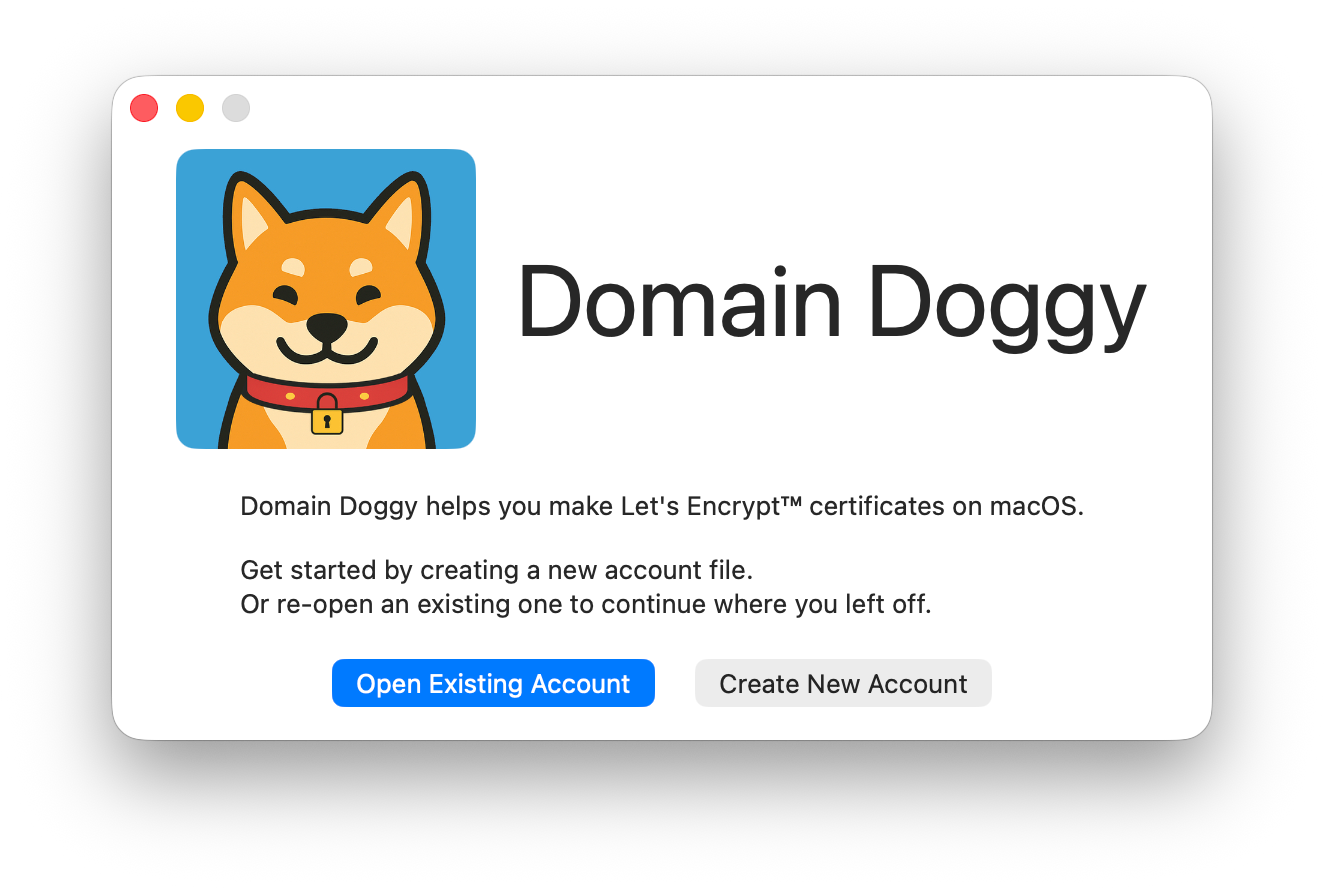
When you open Domain Doggy for the first time you'll be presented with a Welcome Screen. In order to use Domain Doggy, you will need to create an account file. An account file will let you reuse verified domains for a short period of time. Simply click on Create New Account.
Creating and Downloading your first Certificate
With your new account, you can now request a with the New Certificate button.
Add the domain or domains you wish to create the certificate for, then click Request Certificate.
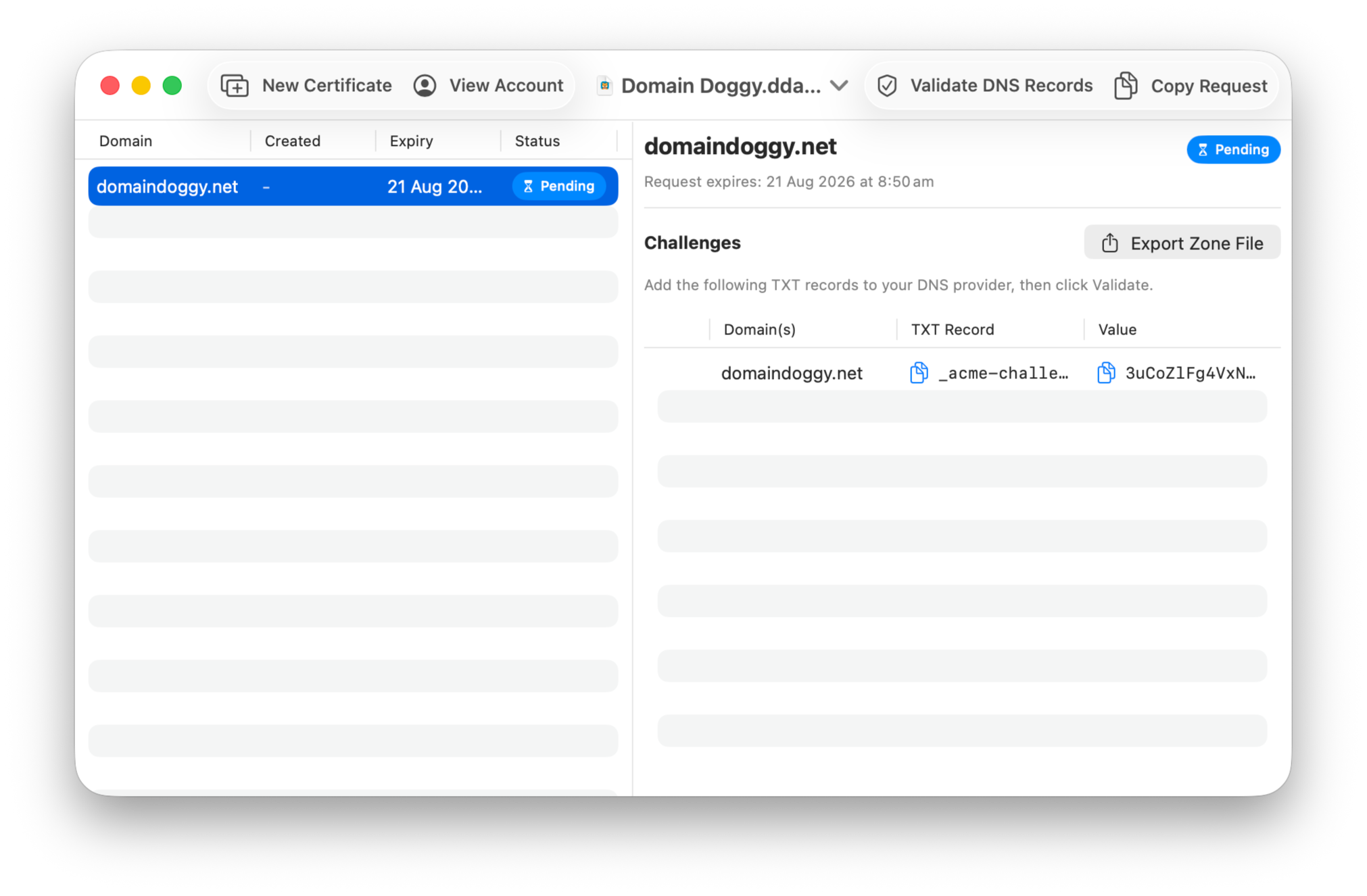
After requesting your certificate, you'll be presented the DNS challenges you need to enter into your DNS provider.
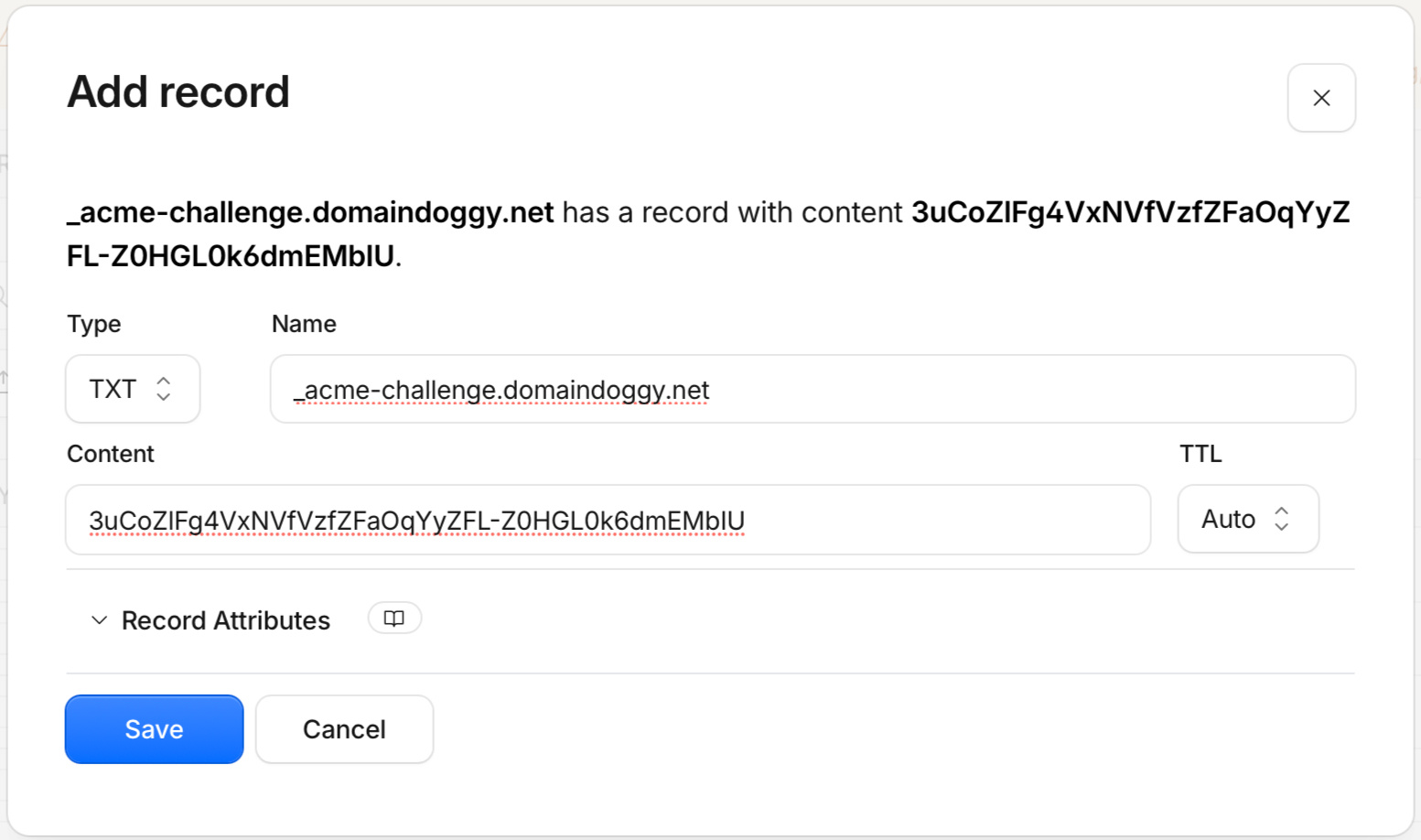
Log into your Domain Provider, and add your new TXT record to your domain:
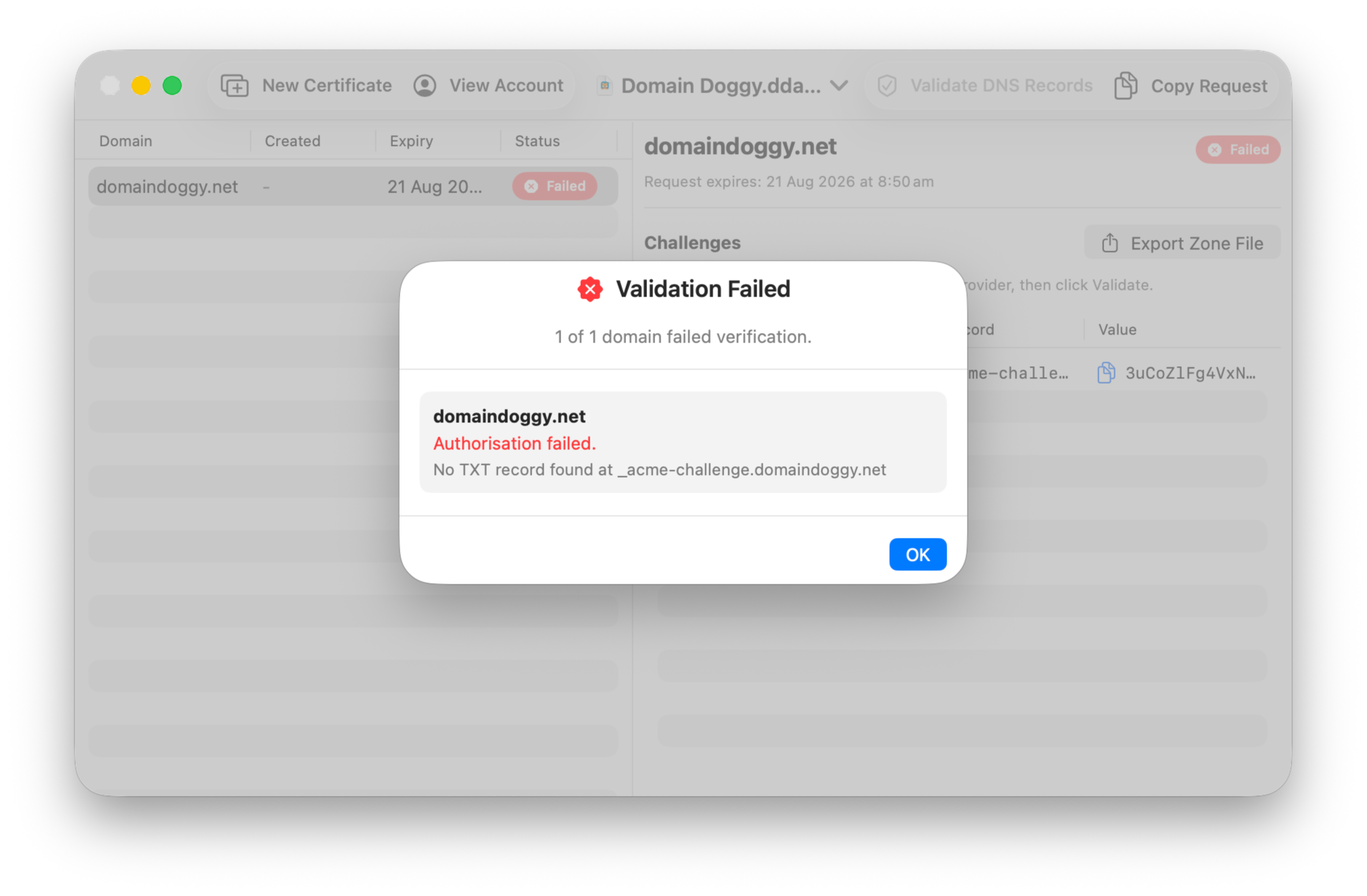
Once your DNS settings have been updated with your challenge, you can click Validate DNS Records.
If the challenge is validated successfully, your new certificate is ready to be used.Note: If the DNS challenge fails you will have to start the process again. DNS challenges can only be tested once, and are never reused.
After your request is approved, you'll have three new options available:
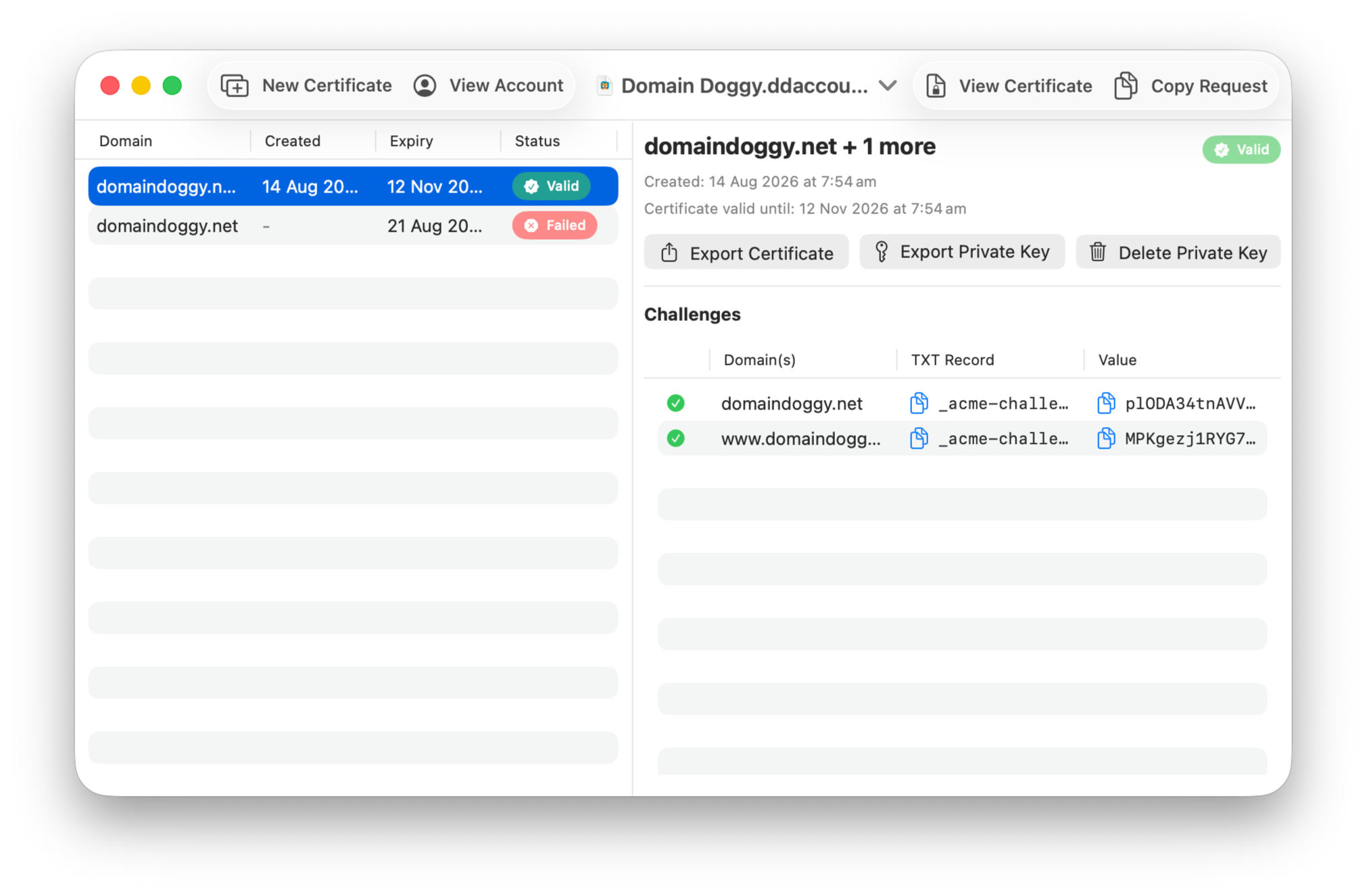
Export Certificate: This allows you to download the Certificate.Export Private Key: This option presents a prompt to choose between two different ways to download your private key:
1. PEM: Download your private key only as a .pem file
2. #PKCS12: Download a certificate bundle which contains both the private key and certificate. Optionally, you can choose to add a password to this bundle.
Delete Private Key: As the name suggests, this will delete the private key accociated with this order from the account. Note: This action cannot be undone.
© 2025 Software Adventures | Privacy Policy
Domain Doggy
Privacy Policy
This Privacy Policy is subject to change at any time.
This Privacy Policy applies to Domain Doggy the macOS application.Effective date: 9th July 2025Collection of personal informationSoftware Adventures does not directly collect any information from you through Domain Doggy. Depending on the configuration of your operating system your operating system may collect personal information such as crash reports and performance characteristics pertaining to the usage of Domain Doggy.Sharing of your personal informationNo personal information is shared or sold to any other party.Use of your personal informationYour personal information is not used. Information given to Software Adventures by 3rd parties may be used to improve products.
Domain Doggy
Request Support
Fill out the form below to request help and support using Domain Doggy.
© 2025 Software Adventures | Privacy Policy